
One of the most common FortiGate issues is when users behind the firewall have no internet access, even though the FortiGate itself can reach the internet. This usually happens after initial setup, policy changes, or NAT configuration updates.
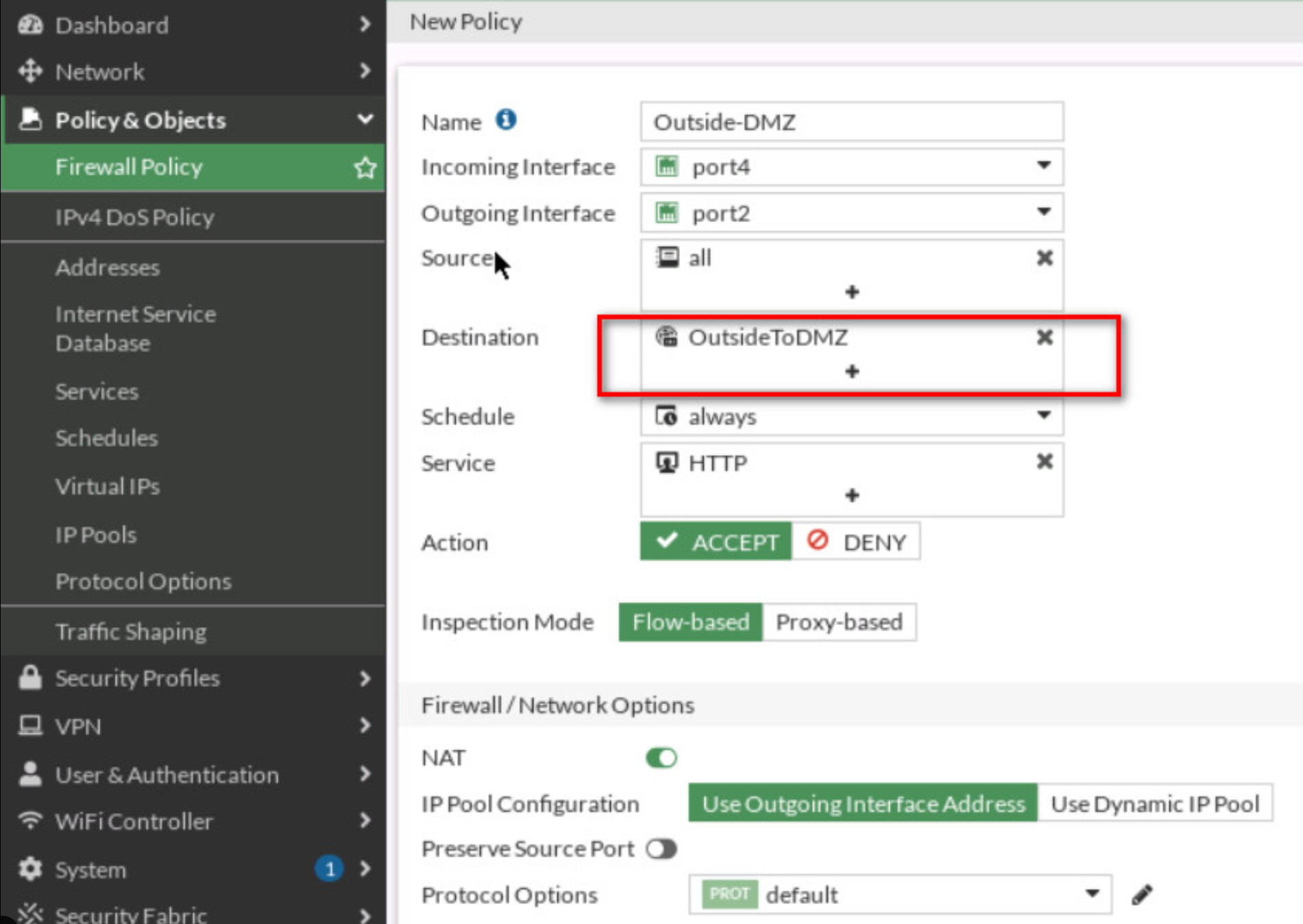
FortiGate processes policies top to bottom.
If there is no allow policy from LAN to WAN, traffic will be denied by default.
Even if the policy allows traffic, internet will not work unless NAT is enabled.
Check:
Policies must match:
Wrong interface = no traffic match.
Without a default route, FortiGate cannot forward traffic to the internet.
Verify:
Clients may have internet but cannot browse.
Check:
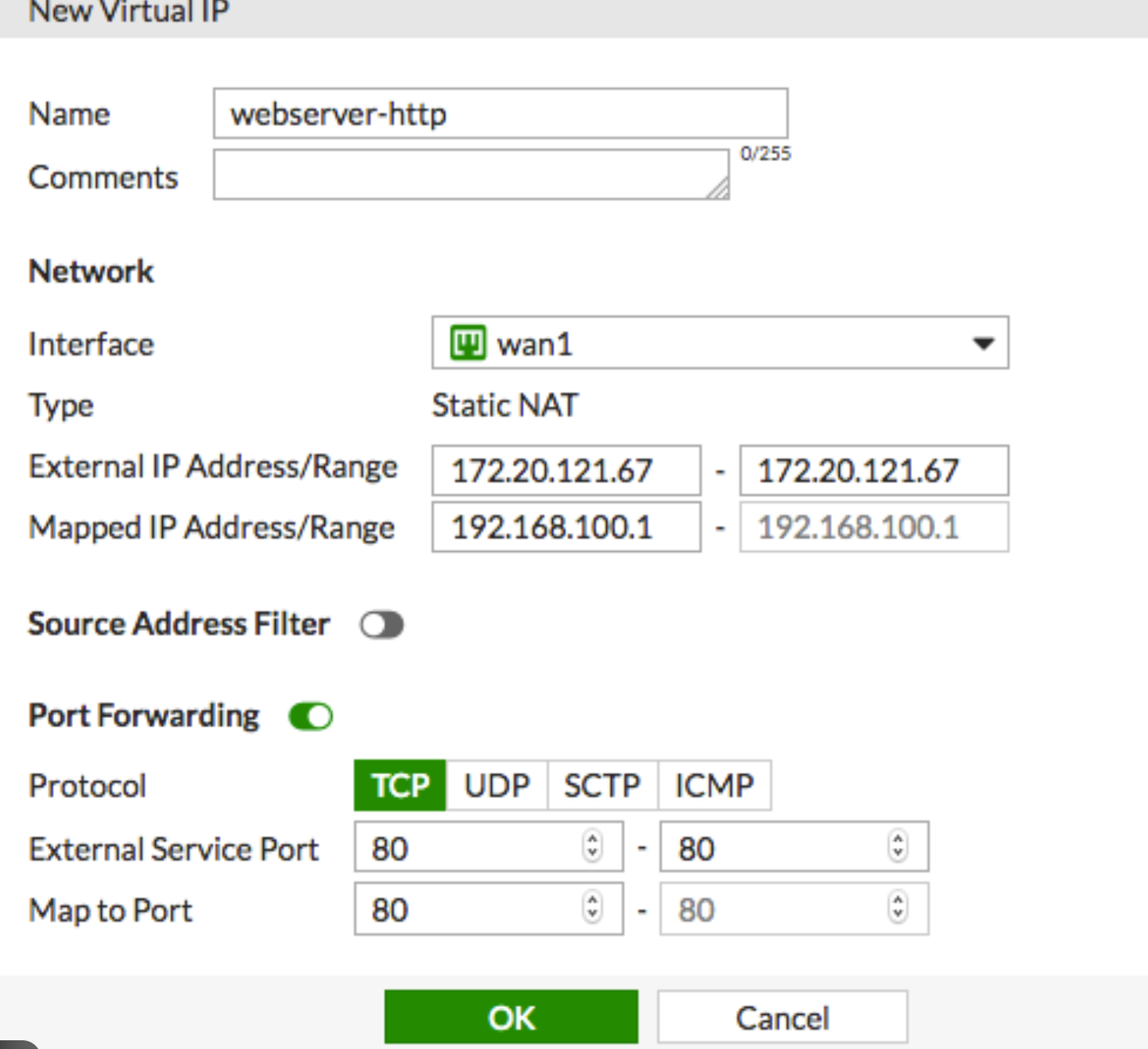
When there is no internet behind a FortiGate firewall, the issue is usually related to policy configuration, NAT settings, or routing. Following a structured troubleshooting approach saves time and avoids unnecessary changes.
 Ahmed Ezz
Dec 25, 2025
 WiFi Eg
Dec 23, 2025
 WiFi Eg
Dec 23, 2025
 Ahmed Ezz
Dec 25, 2025
 Ahmed Ezz
Dec 25, 2025

By clicking the button, you are agreeing with our Term & Conditions