
A common issue with FortiGate SSL VPN is when users successfully connect to the VPN, but cannot access internal resources such as servers, shared folders, or internal applications. The VPN appears connected, yet traffic does not pass through as expected.
This guide explains the most common reasons behind this problem and how to fix it step by step using a structured troubleshooting approach.

This usually happens due to missing policies, routing issues, or incorrect VPN settings.
FortiGate requires an explicit firewall policy to allow traffic from SSL VPN users to the internal network.
Required policy:
ssl.rootLANWithout this policy, traffic is blocked by default.
If split tunneling is enabled, only specified networks are routed through the VPN.
Common mistake:
Result:
FortiGate must know how to route traffic coming from the SSL VPN subnet.
Check:
SSL VPN IP pool must be routable.
Firewall policies rely on correct address objects.
Common issues:
Even if the user authenticates, access depends on:
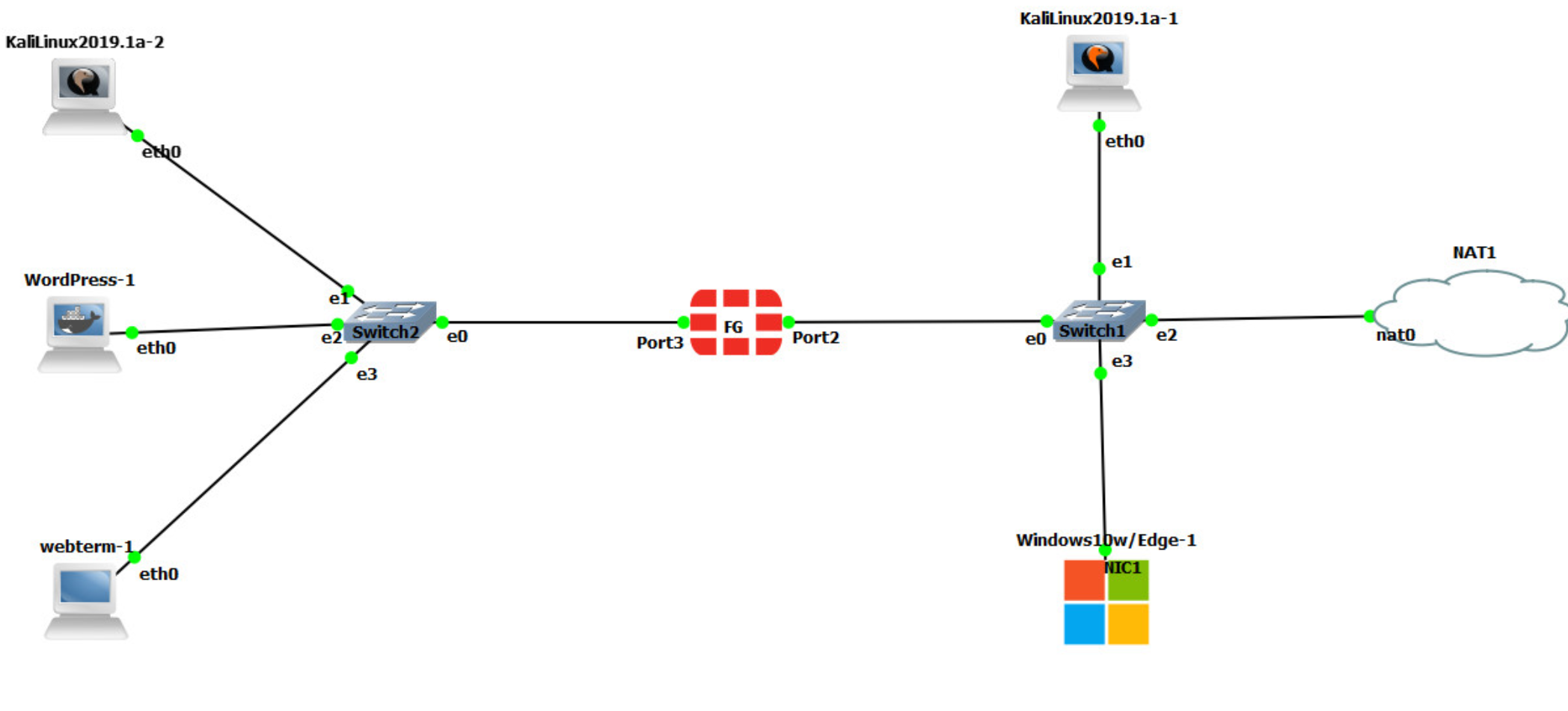
Go to Policy & Objects → Firewall Policy
Create policy:
ssl.rootLANEnsure FortiGate knows where to send VPN traffic:
Logs reveal where traffic is blocked.
Check:
When SSL VPN connects but access is not available, the issue is almost never the VPN itself. In most cases, the real problem lies in firewall policies, routing, or split tunnel configuration. Following a structured troubleshooting approach saves time and prevents unnecessary configuration changes.

 Ahmed Ezz
Dec 25, 2025

 WiFi Eg
Dec 23, 2025
 WiFi Eg
Dec 23, 2025
 Ahmed Ezz
Dec 25, 2025
 Ahmed Ezz
Dec 25, 2025

By clicking the button, you are agreeing with our Term & Conditions