
Small offices are increasingly dependent on internet connectivity, cloud services, and connected devices. Unfortunately, many small businesses overlook basic network security, assuming that cyber threats only target large companies. In reality, small offices are often easier targets due to weak configurations and lack of security planning.
This guide covers essential network security tips that every small office should follow to protect data, devices, and daily operations.
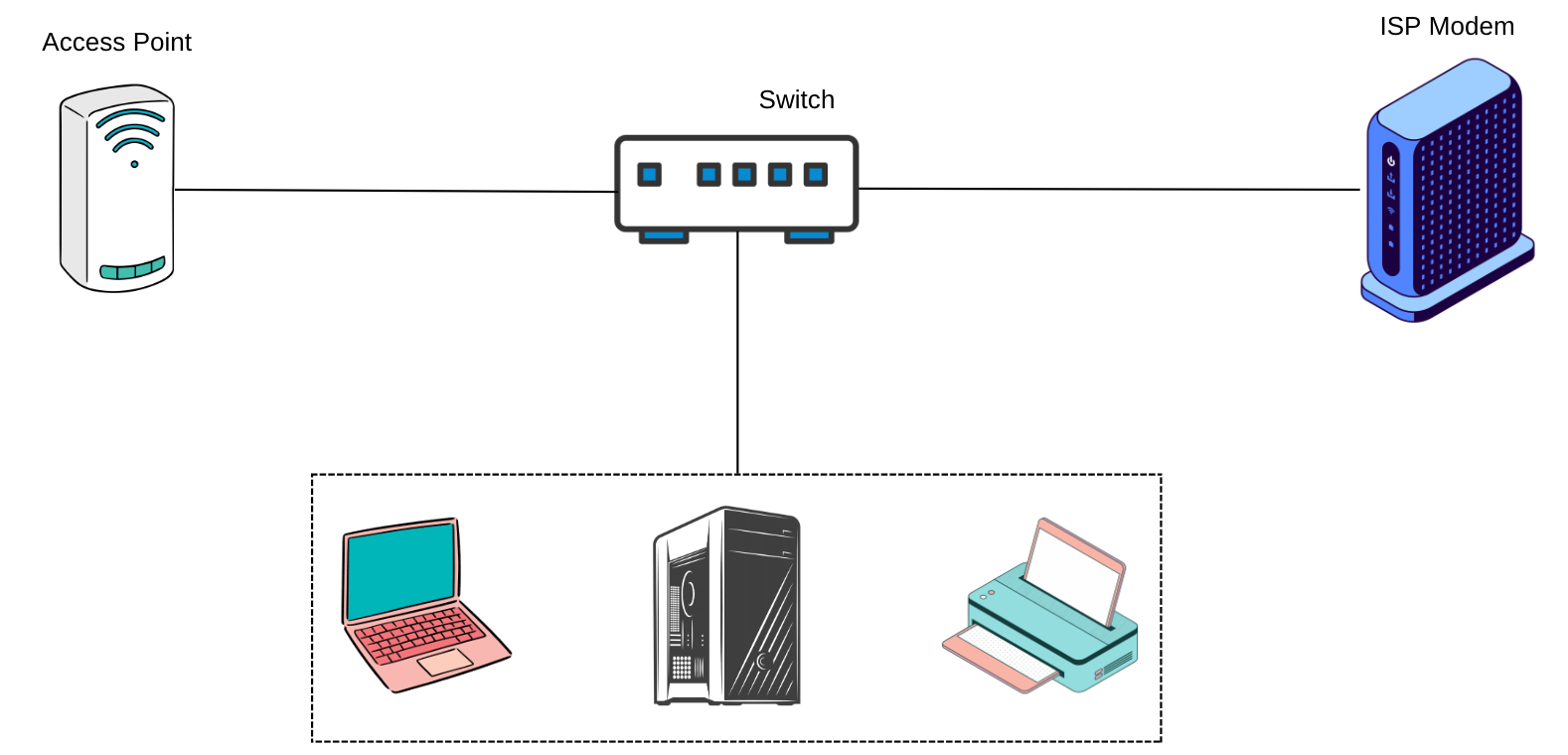
The router is the first line of defense between your internal network and the internet.
A properly secured router blocks many common attacks automatically.
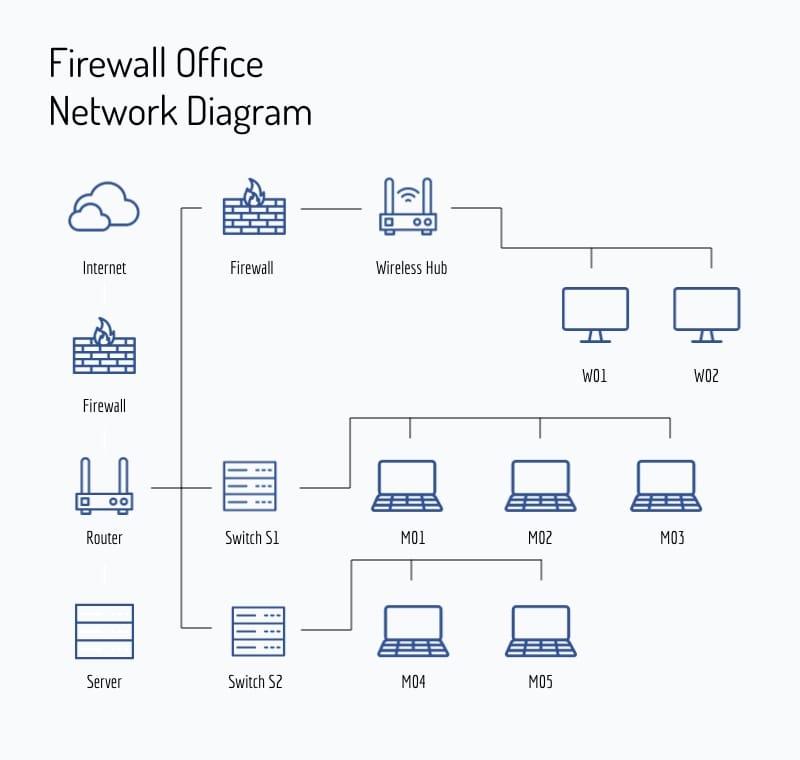
Weak Wi-Fi security allows unauthorized users to access your network.
Visitors and personal devices should not access internal business systems.
Network separation reduces security risks significantly.
Outdated systems often contain known vulnerabilities.
Updates are one of the easiest and most effective security measures.
Not every user needs access to everything.
Limiting access reduces the impact of potential breaches.
Unknown or unauthorized devices can indicate security issues.
Visibility helps detect problems early.
Security is not just about prevention—it’s also about recovery.
Backups protect against ransomware and hardware failure.
Human error is one of the biggest security risks.
A well-informed team strengthens overall security.
You should review your security setup if:
Basic network security doesn’t require complex systems or expensive tools. By following simple best practices—such as securing your router, updating devices, and controlling access—small offices can significantly reduce security risks and maintain reliable operations.

 Ahmed Ezz
Dec 25, 2025
 WiFi Eg
Dec 23, 2025
 WiFi Eg
Dec 23, 2025
 Ahmed Ezz
Dec 25, 2025
 Ahmed Ezz
Dec 25, 2025

By clicking the button, you are agreeing with our Term & Conditions